How to Give Temporary Gate Access to Guests and Delivery Drivers
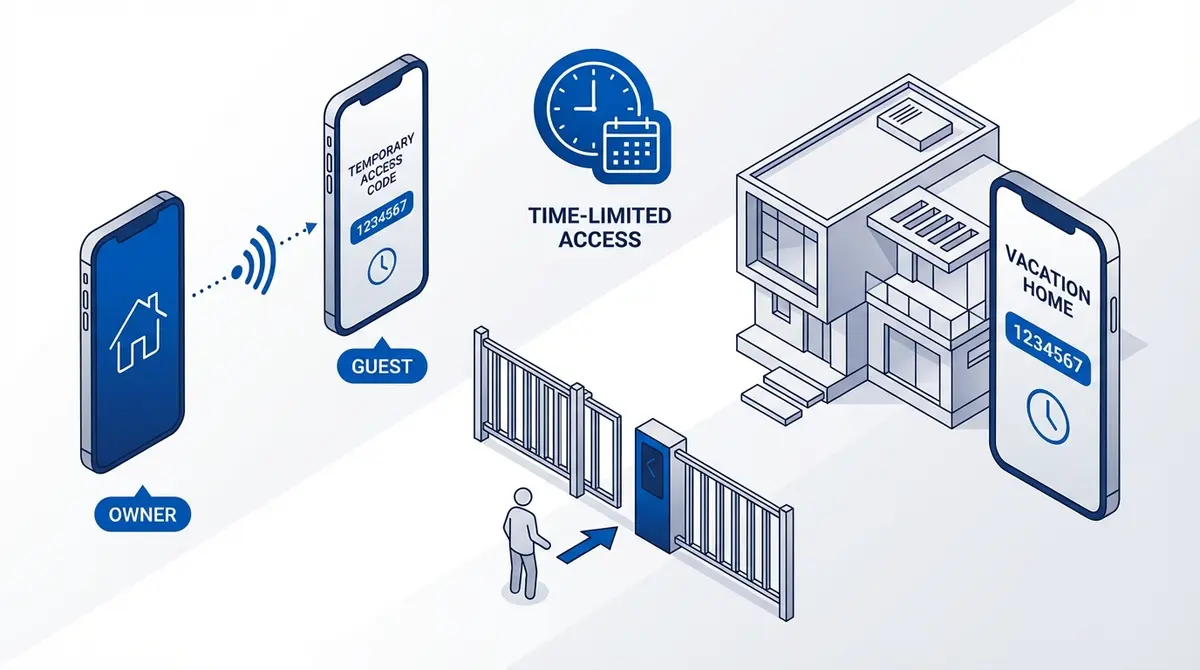
How to grant and revoke temporary gate access on RTU5024, Waferstar GSM-KEY, and Callny G202. Covers manual add/remove, auto-expiring access, count-limited passes, weekly schedules, and tips for Airbnb hosts and property managers.
A delivery driver is at your gate and you're not home. A guest is arriving at your vacation rental. A contractor needs access for three days. With a GSM gate opener, you can grant and revoke access remotely. But the process depends on which module you have.
How Temporary Access Works
A GSM gate opener maintains a list of authorized phone numbers. "Temporary access" means adding a number and removing it when access should end. The key difference between modules is whether removal is manual (you do it) or automatic (the module does it after a set time or use count).
RTU5024: Manual Add and Remove
No built-in temporary access. Add a number, it stays until you remove it.
Grant access (slot 150):
1234#TEL+447555123456#150# Revoke access:
1234#TEL#150# Best practice: reserve slots 001-010 for family, 100+ for temporary guests.
Waferstar GSM-KEY: Built-In Auto-Expiring Access
The only popular module with temporary access that expires automatically. According to the Waferstar documentation, three types are supported:
Date-range access (PHL)
Authorized from start date/time to end date/time, then auto-revoked. Perfect for Airbnb guests.
Weekly schedule access (SHL)
Authorized only during specific hours on specific days. Perfect for employees.
Count-limited access (QHL)
Authorized for N uses, then auto-revoked. Perfect for one-time deliveries.
Callny G202: Manual with User Roles
Works like RTU5024 (manual add/remove). The G203 variant adds a "Normal" user role that can only call to open, not manage settings. Safer for temporary guests.
Best Method for Each Scenario
| Scenario | Best Module | Why |
|---|---|---|
| Airbnb / vacation rental | Waferstar (PHL) | Auto-expiring date-range |
| One-time delivery | Any (or Waferstar QHL) | Add, let them in, remove |
| Contractor (3 days) | Waferstar (PHL) | Date-range, auto-expires |
| Employee (business hours) | Waferstar (SHL) | Weekly schedule |
| Family visiting | RTU5024 or Callny | Manual add, remove when done |
Tips for Managing Temporary Access
Enable relay notifications
Send 1234#R# so you get an SMS log of every gate opening.
Use dedicated slot ranges
Slots 001-010 for permanent users, 100+ for temporary. Makes cleanup easy.
Never use Allow All mode
AA mode opens for any caller. Always use AU (authorized only) and manage the list.
Revoke immediately
RTU5024 and Callny have no auto-expiration. Set a reminder to remove numbers.
Frequently Asked Questions
Can I give access without knowing the guest's phone number?
No. GSM gate openers authorize by caller ID. You need the phone number.
What if a guest tries after I've revoked access?
The module silently ignores unauthorized calls. The call disconnects without the gate opening.
Can I see who opened the gate?
Yes. Enable relay notifications. The module texts slot 001 with the triggering number each time.
How many temporary users at once?
RTU5024: 999 total. Waferstar: 200 permanent + 50 date + 50 weekly + 550 count. Callny: 999 total.
Sources
Ready to ditch SMS commands?
GateOpener replaces cryptic codes with a clean interface. One app for every GSM gate module. No subscription, no account needed.
Get GateOpenerRelated posts
Best GSM Gate Opener Modules in 2026: Complete Comparison
RTU5024 vs Waferstar GSM-KEY vs Callny G202: users, relays, access control, SIM type, 4G, price. Which GSM gate opener module is best for your setup?
RTU5024 vs Waferstar GSM-KEY: Which Is Better?
RTU5024 vs Waferstar GSM-KEY: users, relays, temporary access, timing, price. Which module fits your gate?
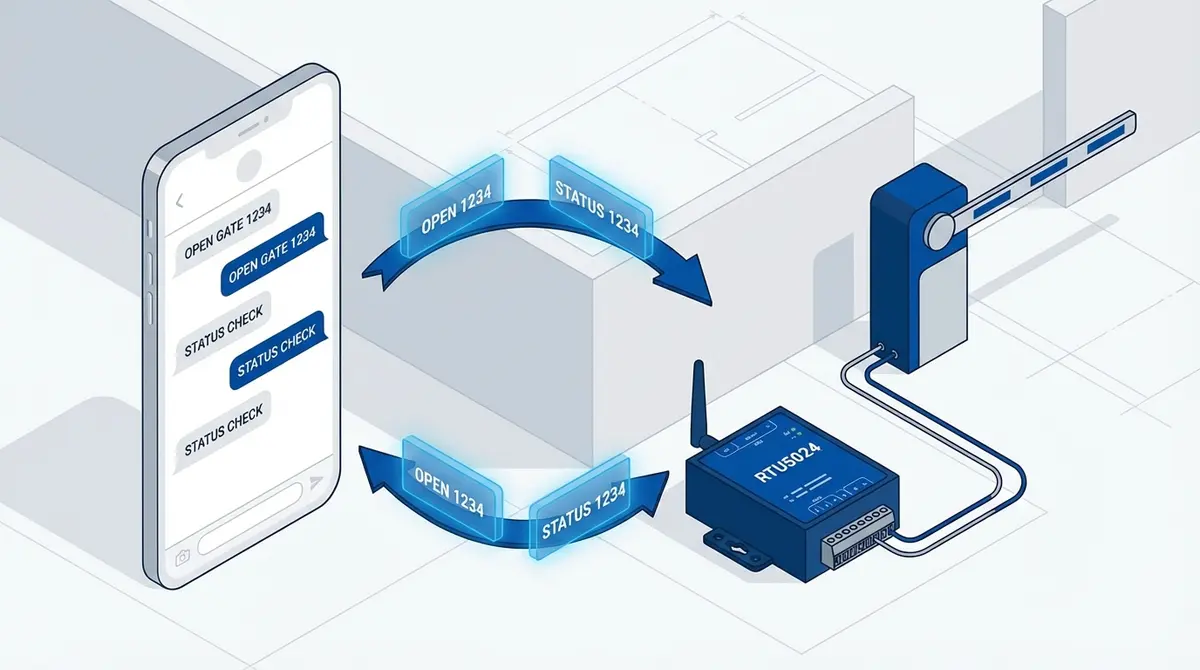
RTU5024 SMS Commands: The Complete Reference
Complete RTU5024 SMS command reference: password, users, relay, GOT timing, notifications, signal. Every command with syntax, examples, and responses.