RTU5024 4G vs 2G: Do You Need the LTE Version?
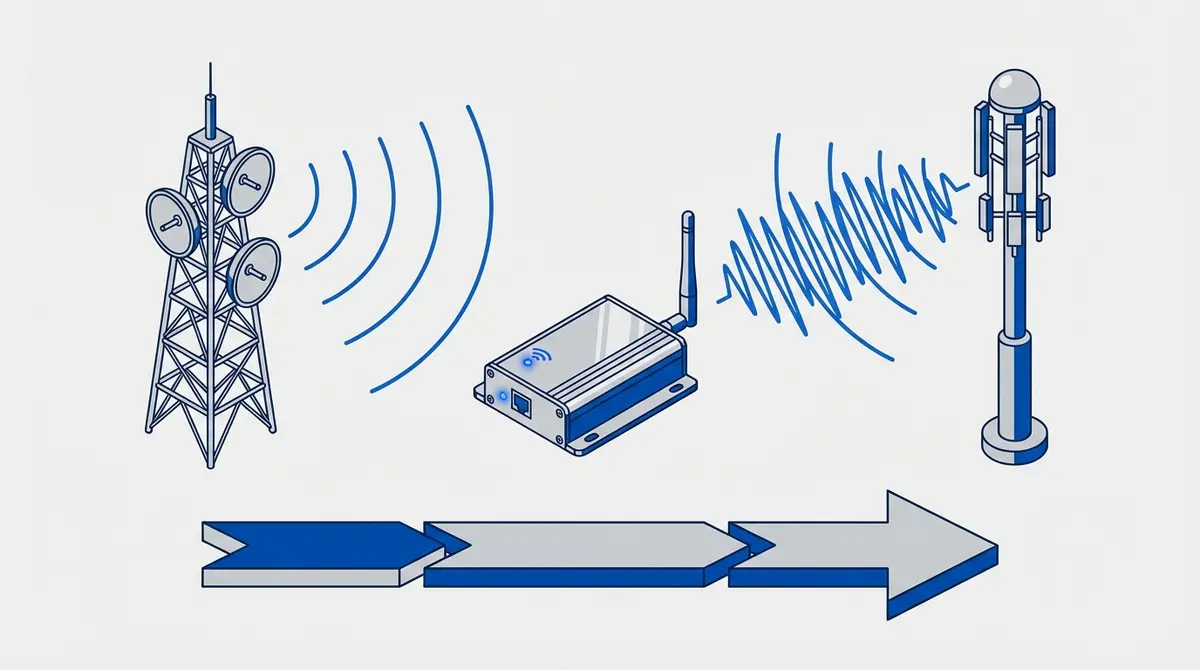
RTU5024 4G vs 2G compared: same commands, same relay, different modem. Covers 2G shutdown status, when to buy 4G, and how to migrate from 2G to 4G.
Your RTU5024 stopped working, your carrier sent a letter about "network modernization," or you're buying your first module and wondering whether to spend extra on the 4G version. The answer depends on one thing: does your carrier still operate a 2G network where your gate is located?
RTU5024 2G vs 4G: What's Different?
The RTU5024 2G and 4G variants are functionally identical. Same relay, same SMS commands, same user management, same enclosure. According to BLIIoT manufacturer documentation, the only difference is the cellular modem inside.
| Feature | RTU5024 2G | RTU5024 4G LTE |
|---|---|---|
| Network | GSM 850/900/1800/1900 MHz | LTE FDD B1/B3/B5/B7/B8/B20 + 2G/3G fallback |
| SMS commands | Identical | Identical |
| Max users | 999 | 999 |
| Relay | 1 (3A/240VAC) | 1 (3A/240VAC) |
| Power | DC 9-36V | DC 9-36V |
| SIM type | Standard | Standard |
| Price (2026) | EUR 15-20 | EUR 25-35 |
The 4G model costs EUR 10-15 more but is backward compatible with 2G and 3G networks. If your carrier still has 2G, the 4G model will use it. If 2G is gone, the 4G model connects to LTE instead.
Why 2G Modules Stop Working
The 2G (GSM) network standard launched in 1991. Carriers are shutting it down to reuse the spectrum for 4G and 5G. When a carrier shuts down 2G in your area, your RTU5024 2G module powers on normally (POWER LED solid) but the SIGNAL LED blinks rapidly and never stabilizes because there's no network to connect to.
This is not a module defect. The hardware is fine. The network it was designed for no longer exists at your location.
2G shut down
US (AT&T 2022, T-Mobile 2024), Australia (all carriers by 2018), Japan, South Korea, Singapore.
2G still active (2026)
UK, Netherlands (KPN, T-Mobile), Germany, France, Spain, Turkey, Russia. Shutdowns planned for 2028-2030 in most European markets.
For the full country-by-country breakdown, see the SIM card guide.
Should You Buy 2G or 4G?
Buy 4G if your carrier has already shut down 2G, you're in a country with announced shutdown dates, you want a module that works for the next 10+ years, or the EUR 10-15 price difference doesn't matter.
Buy 2G if your carrier has no announced 2G shutdown and you want the cheapest option, you're replacing an existing 2G module that is still working, or you need multiple modules and the cost difference adds up.
When in doubt, buy 4G. The price difference is small and the 4G model is future-proof. Buying a 2G module in 2026 is a calculated bet that your carrier's 2G network will outlast the module's useful life.
My 2G Module Stopped Working. Now What?
If your RTU5024 2G suddenly stopped connecting after working for months or years, verify the cause before buying a replacement:
- 1. Check the SIM first. Insert it into a phone. If the SIM expired (prepaid inactivity), a simple top-up fixes it. No need for a new module.
- 2. Check 2G coverage. Contact your carrier or check their coverage map. Ask specifically about 2G/GSM. Some carriers shut down 2G in specific regions before the national shutdown.
- 3. If 2G is gone, replace with 4G. The RTU5024 4G is a drop-in replacement. Same wiring, same power, same SIM slot, same SMS commands. Swap the module, move the SIM and antenna, and re-add your authorized phone numbers.
Migrating from 2G to 4G
The migration is straightforward because the command syntax is identical:
- 1.Power off the old 2G module
- 2.Remove the SIM card and antenna
- 3.Mount the new 4G module in the same location (same screw holes)
- 4.Connect the same power and relay wires (same terminal layout)
- 5.Insert the SIM card and screw on the antenna
- 6.Power on and wait for the SIGNAL LED to stabilize
- 7.Re-add your authorized phone numbers (stored numbers don't transfer between modules)
- 8.Test by calling from an authorized number
Your existing password, GOT timing, and access mode settings will need to be reconfigured since they're stored in the old module. See the RTU5024 setup guide for the full configuration walkthrough.
Future-Proof Your Gate with GateOpener
Whether you run the 2G or 4G model, GateOpener works with both. The app sends the same SMS commands regardless of the underlying network. If you migrate from 2G to 4G, your app setup stays the same. Just update the module's phone number if the SIM changed.
- Works with both RTU5024 2G and 4G: same interface, same commands
- Multi-gate: manage 2G and 4G modules side by side
- EUR 4.99 one-time, no subscription, no cloud
Frequently Asked Questions
Will my RTU5024 SMS commands change if I upgrade to 4G?
No. The RTU5024 2G and 4G use identical SMS command syntax. Every command from the command reference works on both models.
Can I use my old 2G SIM card in the 4G module?
Yes, if the SIM is still active and the carrier operates either a 2G, 3G, or 4G network. The SIM negotiates the best available technology.
How long will 4G networks last?
4G LTE is expected to operate well into the 2030s and beyond. Even as 5G expands, carriers are committed to maintaining 4G for years. A 4G module purchased in 2026 should remain operational for at least a decade.
Is the 4G module physically larger?
No. The RTU5024 4G has the same dimensions and mounting holes as the 2G version. It's a direct physical replacement.
Sources
Manufacturer Documentation
Ready to ditch SMS commands?
GateOpener replaces cryptic codes with a clean interface. One app for every GSM gate module. No subscription, no account needed.
Get GateOpenerRelated posts
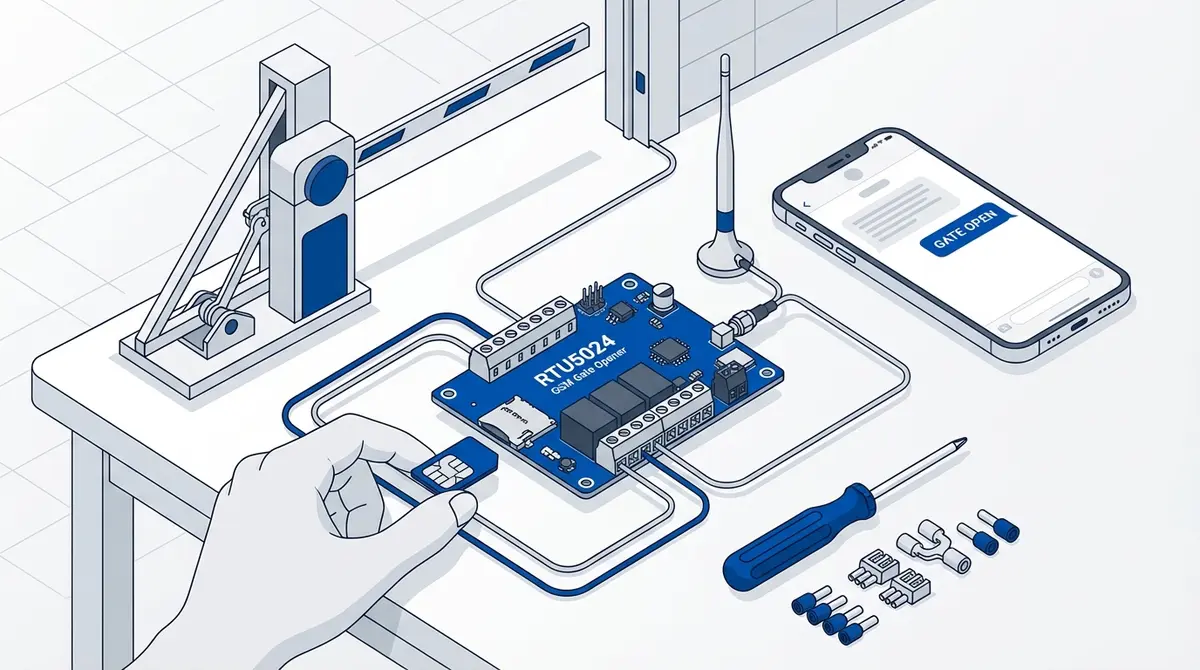
How to Set Up Your RTU5024 GSM Gate Opener
Complete RTU5024 setup guide: SIM card prep, relay wiring, password change, adding users, and testing. Covers all RTU5024 variants with step-by-step SMS commands.
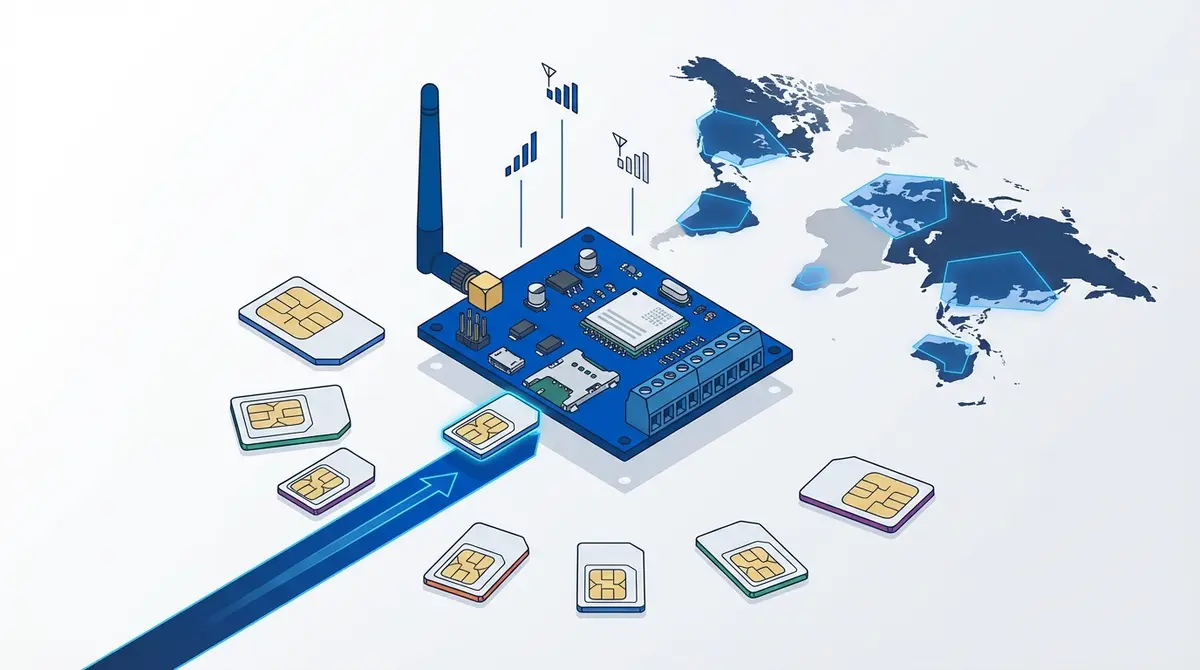
Which SIM Card Works Best for GSM Gate Openers?
SIM card guide for GSM gate openers: sizes, prepaid vs contract, PIN removal, 2G shutdown status, and carrier picks for UK, NL, DE, US, FR.
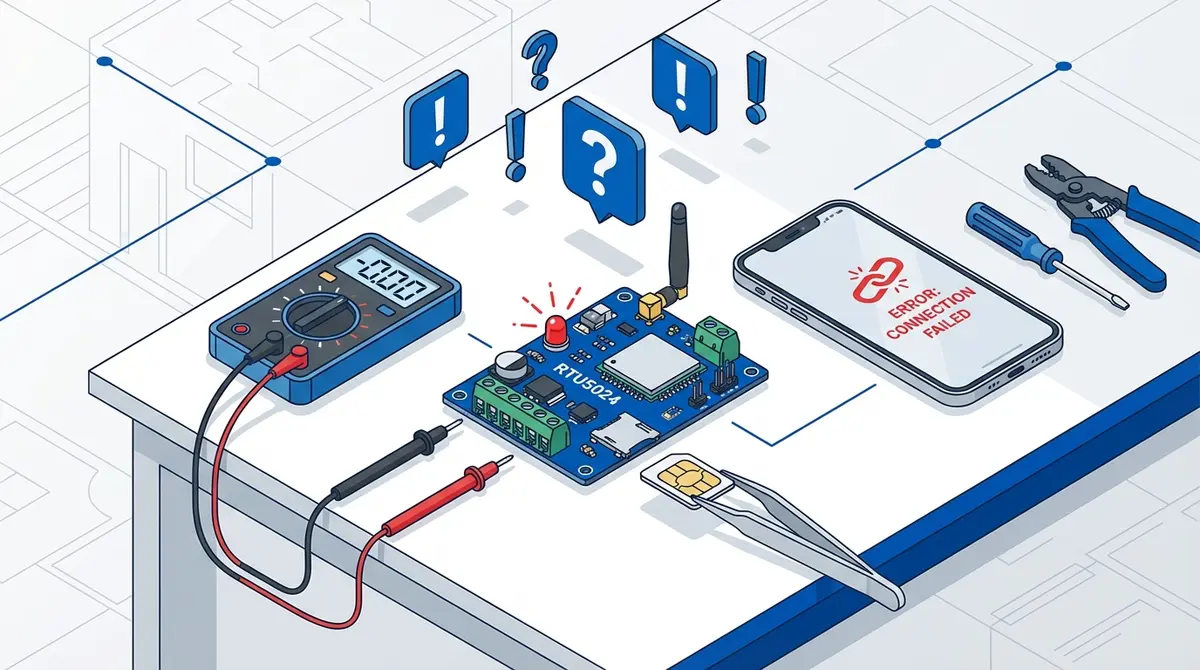
RTU5024 Troubleshooting: 7 Common Problems and How to Fix Them
Fix 7 common RTU5024 problems: no network, Error password, no SMS response, users locked out, gate timing, missing notifications, module stopped working.