Which SIM Card Works Best for GSM Gate Openers?
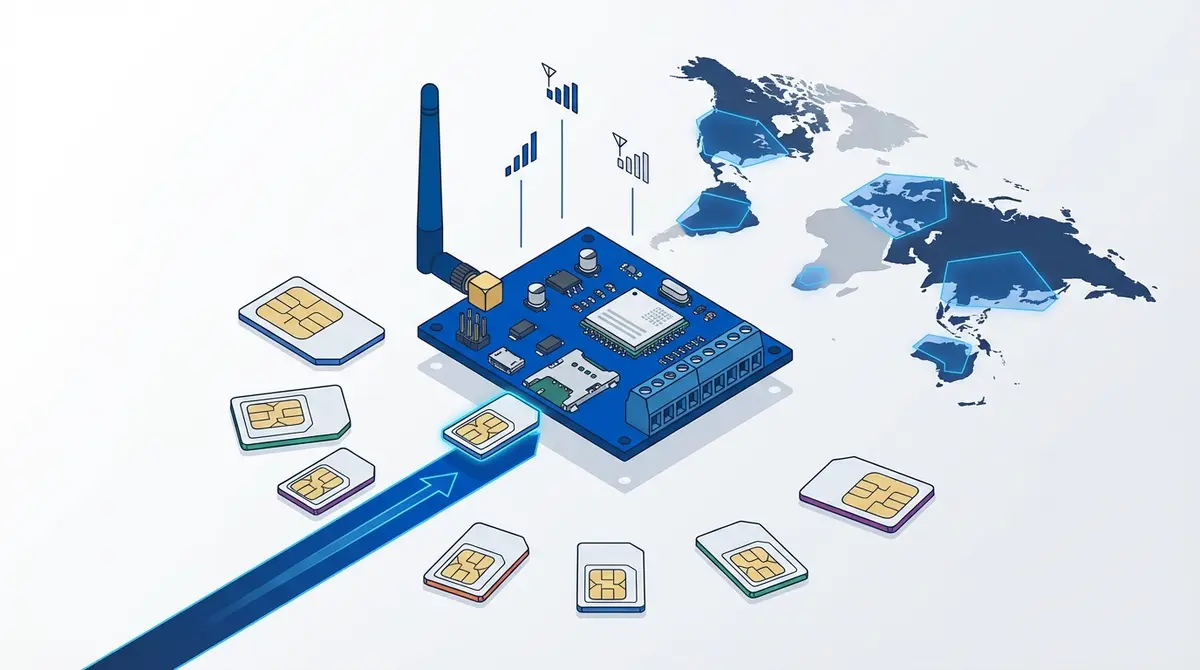
Choose the right SIM card for your GSM gate opener module. This guide covers SIM sizes for RTU5024, Waferstar, and Callny modules, prepaid vs contract, PIN lock removal, 2G network shutdowns by country, and carrier recommendations for the UK, Netherlands, Germany, US, and France.
Your gate opener module arrived, and you assumed you could just pop in any SIM card and start opening gates. Then you discovered you need a specific SIM size, the PIN lock has to be disabled, some carriers refuse to activate SIMs for "IoT devices," and 2G networks are shutting down across Europe and North America. Choosing the wrong SIM can mean your gate opener never connects to the network.
What Kind of SIM Card Do GSM Gate Openers Need?
A GSM gate opener module is a simple cellular device that receives phone calls and SMS messages. According to manufacturer documentation for the three most popular modules, the SIM requirements are straightforward: an active voice and SMS plan on a carrier that operates a compatible network. No mobile data is required.
The critical detail is network generation. Most GSM gate opener modules sold today are 2G devices operating on GSM 850/900/1800/1900 MHz frequencies. If your mobile carrier has shut down its 2G network, a standard 2G module will never connect, regardless of which SIM you insert.
Which SIM Size Does Each Module Need?
Different gate opener modules use different SIM card sizes. Using the wrong size means the card won't physically fit.
| Module | SIM Size | Dimensions |
|---|---|---|
| RTU5024 (all variants) | Standard (Full) | 25 x 15 mm |
| Waferstar GSM-KEY DC200 | Standard (Full) | 25 x 15 mm |
| Callny G202 PLUS | Standard (Full) | 25 x 15 mm |
| Callny G203 | Standard (Full) | 25 x 15 mm |
| RTU5024 4G LTE | Standard (Full) | 25 x 15 mm |
If your carrier only issued a micro or nano SIM, use a plastic adapter (under EUR 1) to convert it to standard size. Make sure the SIM sits flush and the gold contacts align with the reader. Alternatively, request a multi-format punch-out SIM card from your carrier and use the outermost frame.
Prepaid vs. Contract: Which Is Better?
For a gate opener, a prepaid SIM is almost always the better choice. Gate openers use almost no airtime. A phone call to open the gate is free (the module rejects the call after one ring). The only costs are the occasional SMS command and keeping the SIM active.
Watch out for inactivity expiration. Most prepaid carriers deactivate SIMs after 3-12 months of no usage. To prevent this, enable relay action SMS notifications (1234#R# on RTU5024) to generate periodic activity, or top up a small amount annually.
Contract SIMs work but are overkill. You pay monthly for data, calls, and SMS you'll never use. The only advantage is guaranteed activity (no expiration risk).
Removing the SIM PIN Lock (Critical Step)
According to the RTU5024, Waferstar, and Callny user manuals, all three modules require the SIM PIN to be disabled before insertion. The modules cannot handle PIN prompts at startup.
- 1.Insert the SIM into a regular smartphone.
- 2.Go to Settings, then Security, then SIM card lock.
- 3.Disable "Lock SIM card" or "SIM PIN."
- 4.Enter the current PIN (printed on the SIM card's packaging, or often 0000 or 1234).
- 5.Remove the SIM and insert it into your gate opener module.
If you entered the wrong PIN three times, the SIM is locked and requires a PUK code from your carrier. After 10 incorrect PUK attempts, the SIM is permanently locked.
2G Network Shutdowns: Does Your Carrier Still Support It?
This is the most important factor for gate opener owners in 2026. Multiple carriers worldwide have shut down their 2G (GSM) networks, and more shutdowns are scheduled through 2028.
Countries where 2G is shut down
- US:AT&T (2022), T-Mobile (2024). Use 4G modules only.
- Australia:All carriers shut down 2G by 2018.
- Japan/Korea:No 2G service available.
Countries where 2G is still active (2026)
- UK:EE, Vodafone, Three, O2. Shutdowns planned 2028-2030.
- NL:KPN, T-Mobile. VodafoneZiggo shut down 2G in 2025.
- DE:Telekom, Vodafone, O2. No firm shutdown dates.
- FR:All major carriers. Orange plans 2G shutdown by 2028.
- ES/TR/RU:All carriers still operate 2G.
If your carrier has shut down 2G, you need the 4G LTE variant of your gate opener module. The hardware compatibility page lists available variants for each module.
Carrier Recommendations by Country
United Kingdom
Any prepaid SIM on EE, Vodafone, Three, or O2. EE and Vodafone have the widest 2G coverage in rural areas. Giffgaff (O2 network) is a popular low-cost option.
Netherlands
KPN or T-Mobile prepaid. VodafoneZiggo has shut down 2G, so avoid Vodafone SIMs for 2G modules. For 4G modules, any carrier works.
Germany
Telekom, Vodafone, or O2 prepaid. Aldi Talk (O2 network) and Lidl Connect (Vodafone network) are affordable options.
United States
2G is dead. Use a 4G LTE module. T-Mobile prepaid or an MVNO on the T-Mobile network works. AT&T has strict IoT device policies and may refuse activation.
France
Any prepaid on Orange, SFR, Bouygues, or Free Mobile. Orange has the best rural 2G coverage. Free Mobile is the most affordable.
Specialty IoT SIM Cards: Worth It?
Companies like Things Mobile, GateSIM.ie, and AnywhereSIM sell SIMs specifically for gate openers. They offer no inactivity expiration and multi-network roaming, but cost EUR 2-5/month compared to EUR 5-10/year for a regular prepaid SIM.
For most gate opener owners, a regular prepaid SIM is the right choice. IoT SIMs make sense only for remote locations with weak signal or if you manage multiple openers across different countries.
SIM Card Setup Checklist
- 1.Insert the SIM into a regular phone first
- 2.Disable the SIM PIN lock
- 3.Verify voice and SMS work (test call + test SMS)
- 4.Note down the SIM's phone number
- 5.Check that your carrier still operates a 2G network (for 2G modules)
- 6.Top up credit if prepaid
- 7.Remove the SIM and insert into the module
For the full setup process after SIM insertion, see the RTU5024 Setup Guide.
Choose Your SIM, Then Let GateOpener Handle the Rest
Once your SIM is in the module and the network LED stabilizes, GateOpener takes over. The app auto-detects your module type, walks you through initial configuration, and replaces every future SMS command with a tap.
- Works with every GSM gate module: RTU5024, Waferstar, Callny, and 60+ more
- Signal monitoring: check your module's network signal from the app
- EUR 4.99 one-time, no subscription, no cloud: all data stays on your phone
Frequently Asked Questions
Can I use a data-only SIM in a gate opener?
No. Gate opener modules need voice and SMS capability. Data-only SIMs cannot receive phone calls, which is how you trigger the relay.
Will a 4G SIM work in a 2G gate opener module?
Yes, as long as the carrier still operates a 2G network. The SIM is network-agnostic and falls back to 2G when that's all the module supports.
How much does it cost to operate a gate opener SIM?
Almost nothing. Opening by calling is free (rejected call). SMS commands cost a few cents each. Expect EUR 5-15 per year total with a prepaid SIM.
Can I move my SIM to a different gate opener module?
Yes. SIM cards are not locked to hardware. You can move a SIM between RTU5024, Waferstar, and Callny modules. You will need to re-register authorized phone numbers on the new module.
What if my gate opener has weak signal?
Check signal with the CSQ command (e.g., 1234#CSQ? for RTU5024). Below 10 is weak. Try repositioning the antenna or using an external antenna with higher gain.
Sources
Manufacturer Documentation
- RTU5024 User Manual V2019 — SIM card requirements
- Waferstar FAQ — SIM setup instructions
Related Content
- RTU5024 Setup Guide — Complete setup after SIM insertion
- RTU5024 SMS Commands — Full command reference
- Supported Hardware — All compatible modules
Ready to ditch SMS commands?
GateOpener replaces cryptic codes with a clean interface. One app for every GSM gate module. No subscription, no account needed.
Get GateOpenerRelated posts
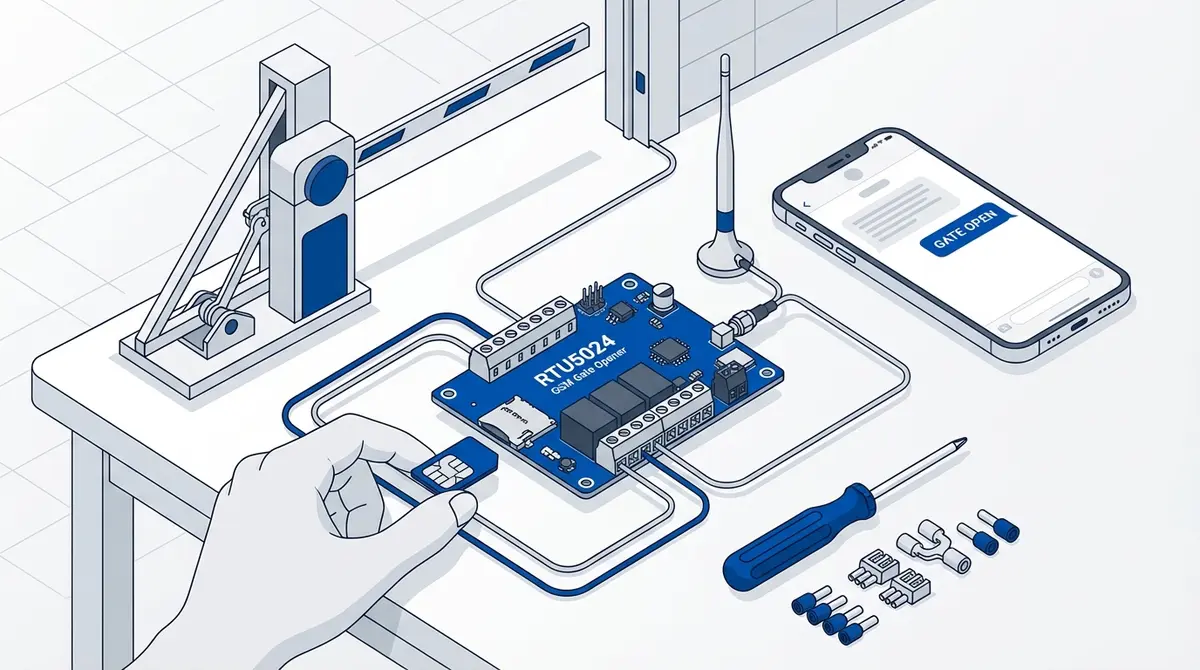
How to Set Up Your RTU5024 GSM Gate Opener
Complete RTU5024 setup guide: SIM card prep, relay wiring, password change, adding users, and testing. Covers all RTU5024 variants with step-by-step SMS commands.
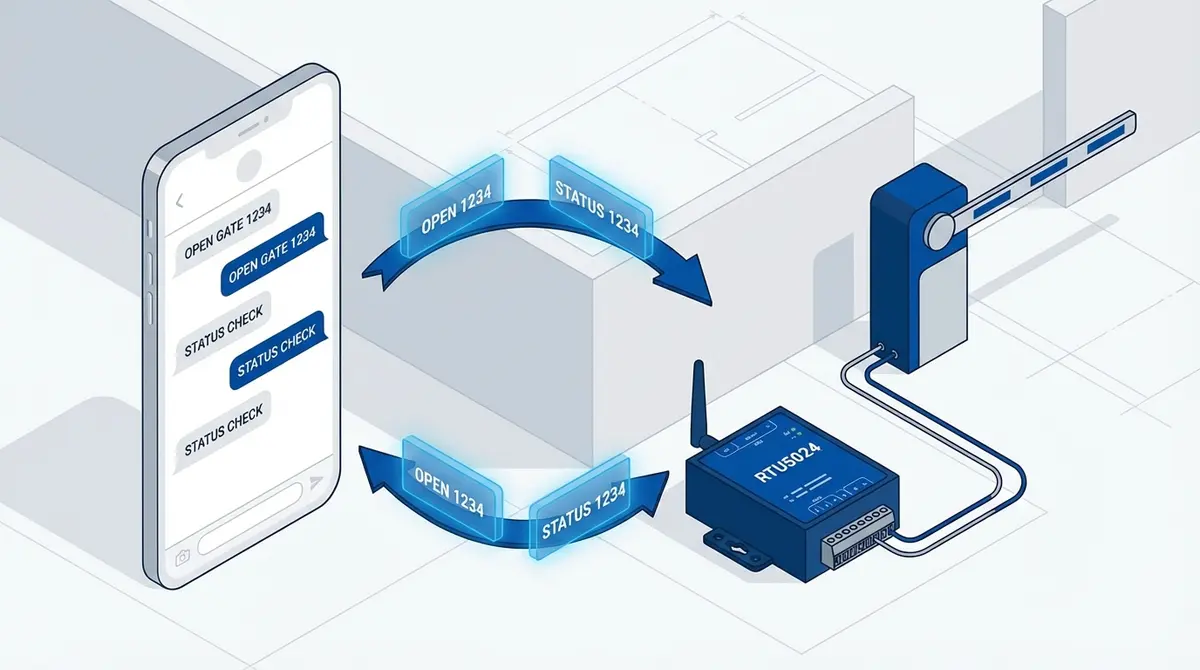
RTU5024 SMS Commands: The Complete Reference
Complete RTU5024 SMS command reference: password, users, relay, GOT timing, notifications, signal. Every command with syntax, examples, and responses.