Stop memorizing gate codes
Replace cryptic SMS commands with a clean interface. GateOpener works with RTU5024, Callny, and 30+ more modules.
No more SMS commands
Your gate module expects codes like 1234#TEL+316...#001#. GateOpener turns them into buttons, forms, and status screens.
Without GateOpener
1234#TEL+31612345678#DEF# System auto assign Admin User ID: 002, TEL:+31612345678 (ADV) 1234#NORTEL+31698765432#DEF# System auto assign Normal User ID: 003, TEL:+31698765432 (NOR) With GateOpener
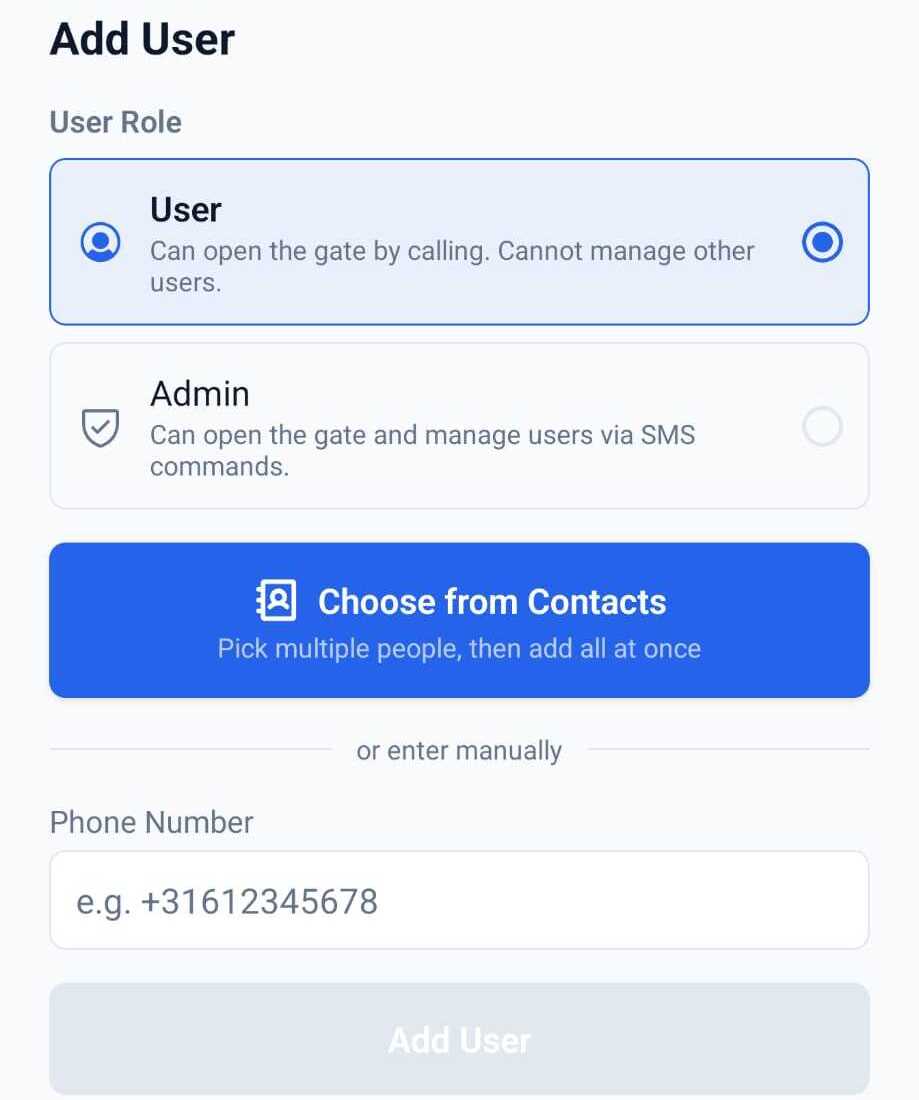
All your gates in one place
Home, work, Airbnb — each gate gets its own settings, user list, and activity log. Switch between them in one tap.
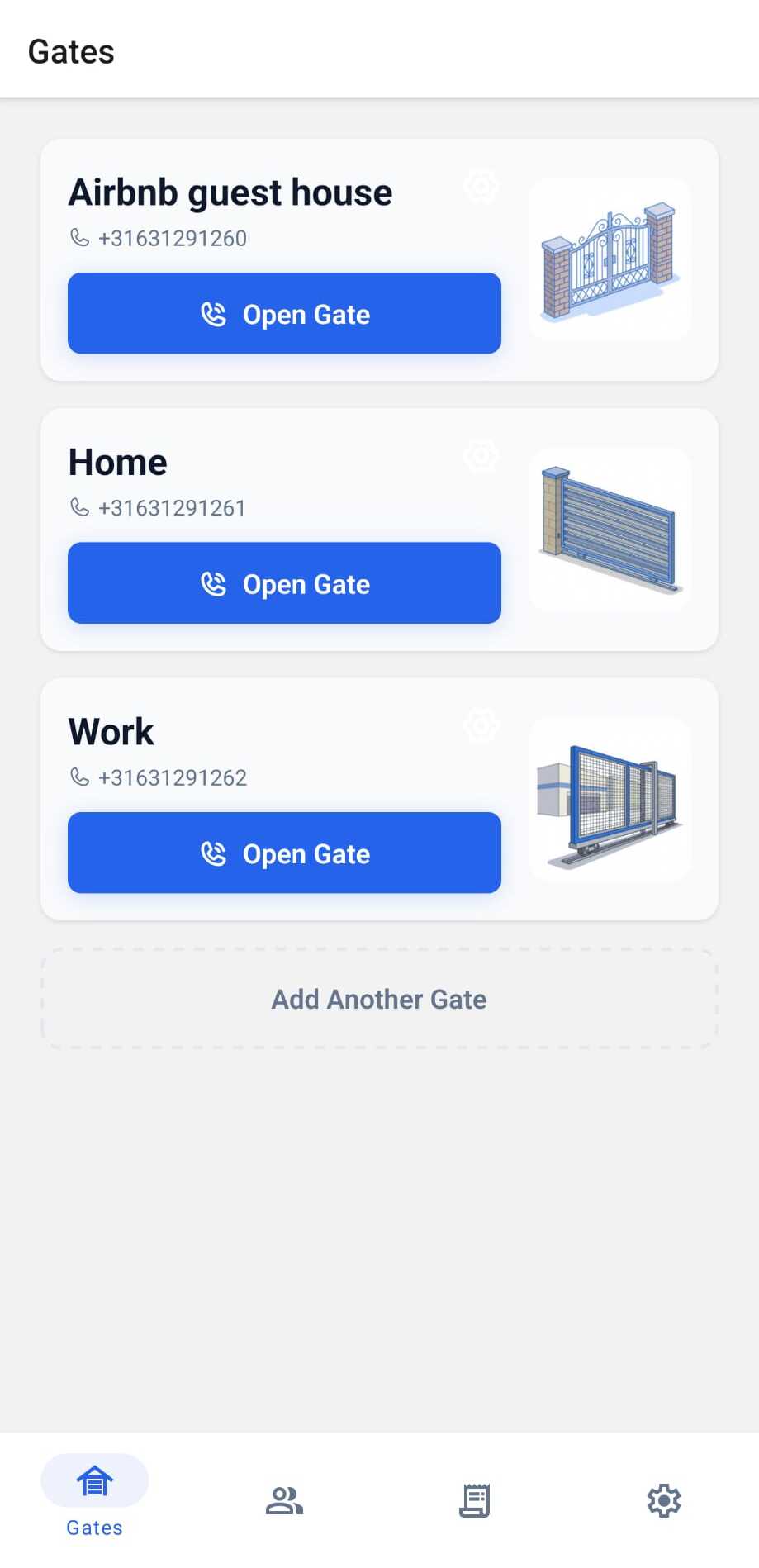
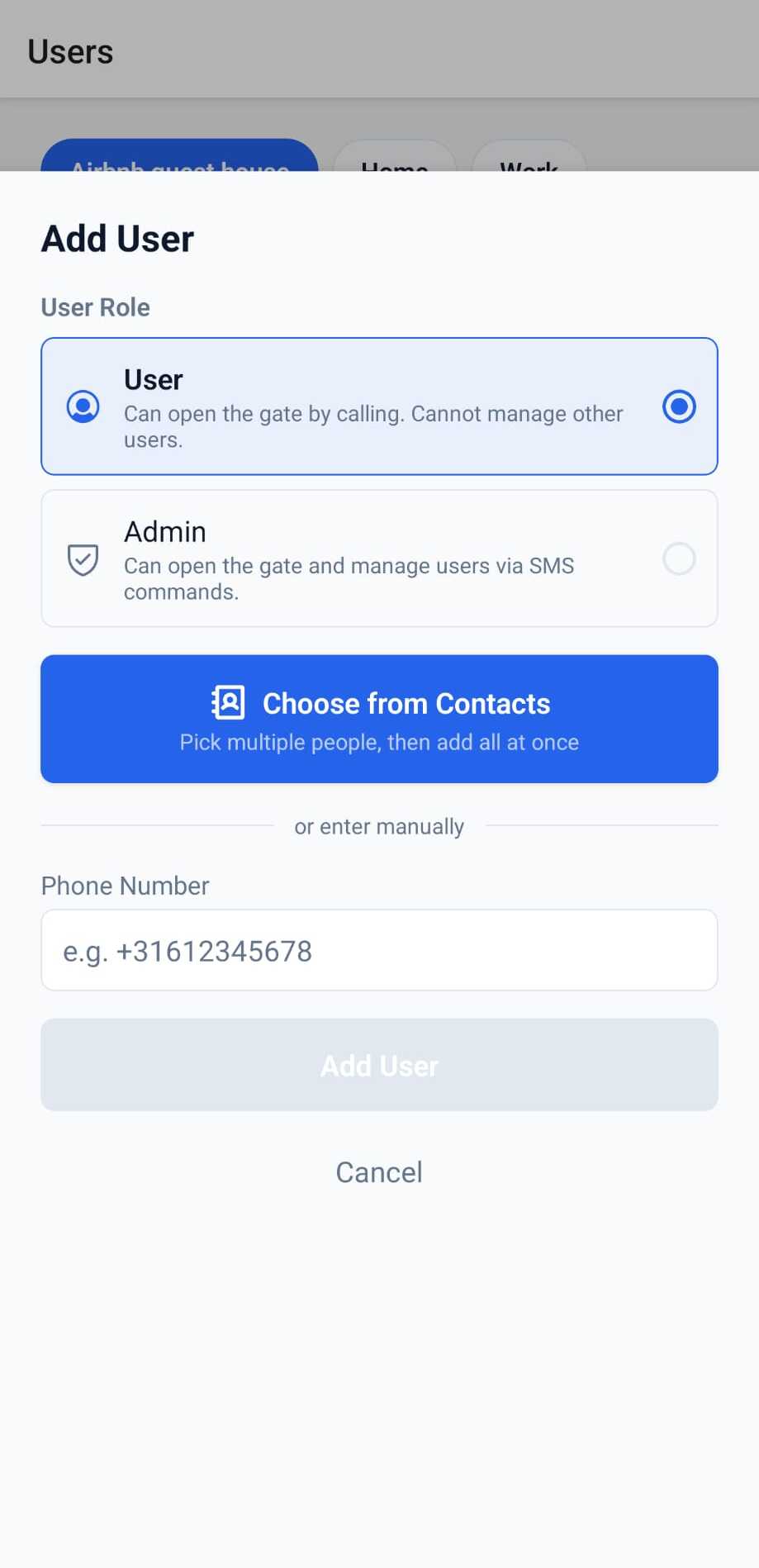
Guests get access. You keep control.
Cleaners, delivery drivers, Airbnb guests — set a start and end date. The app removes access or reminds you when it expires. No need to remember to revoke it yourself.
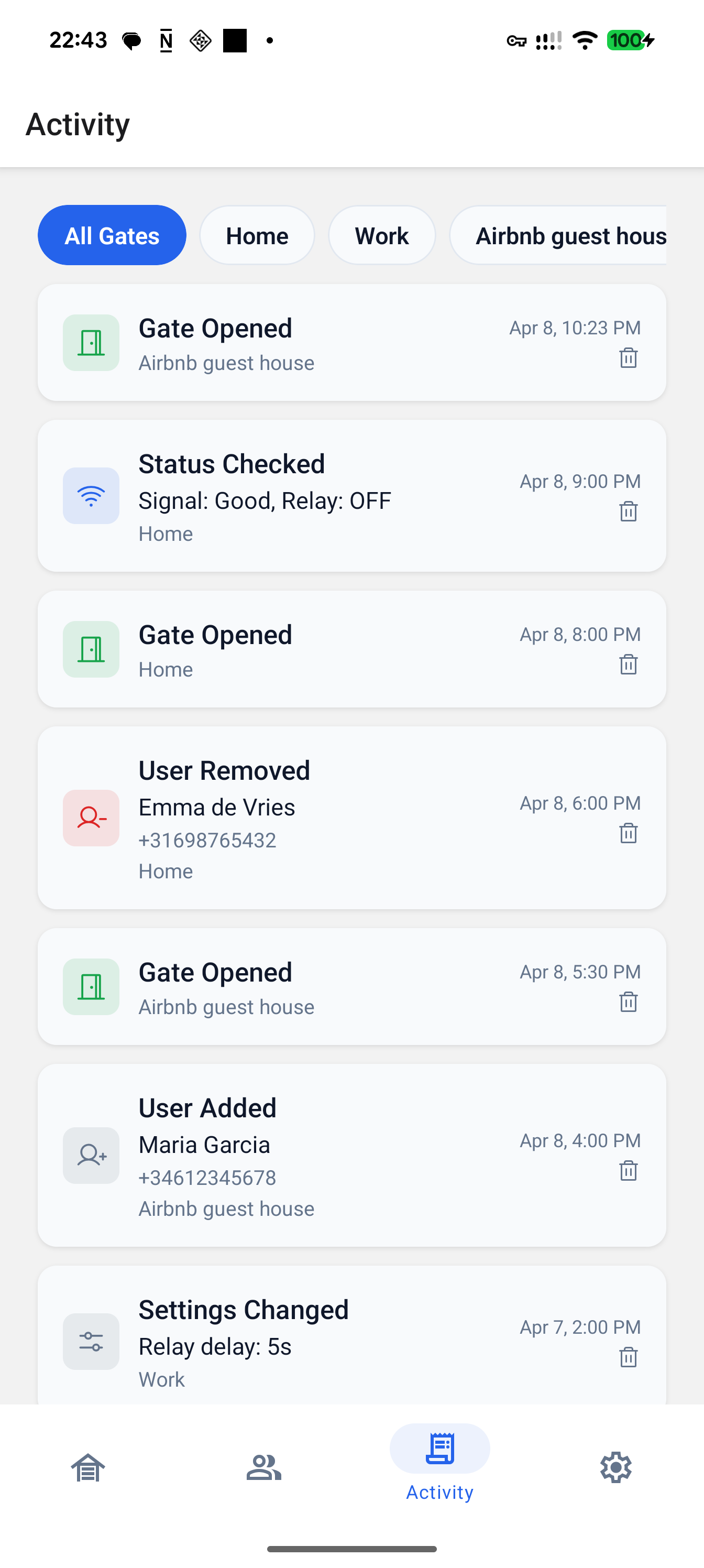
Track every open
See when the gate was opened, when users were added or removed, and when settings changed. A full audit trail on your phone.
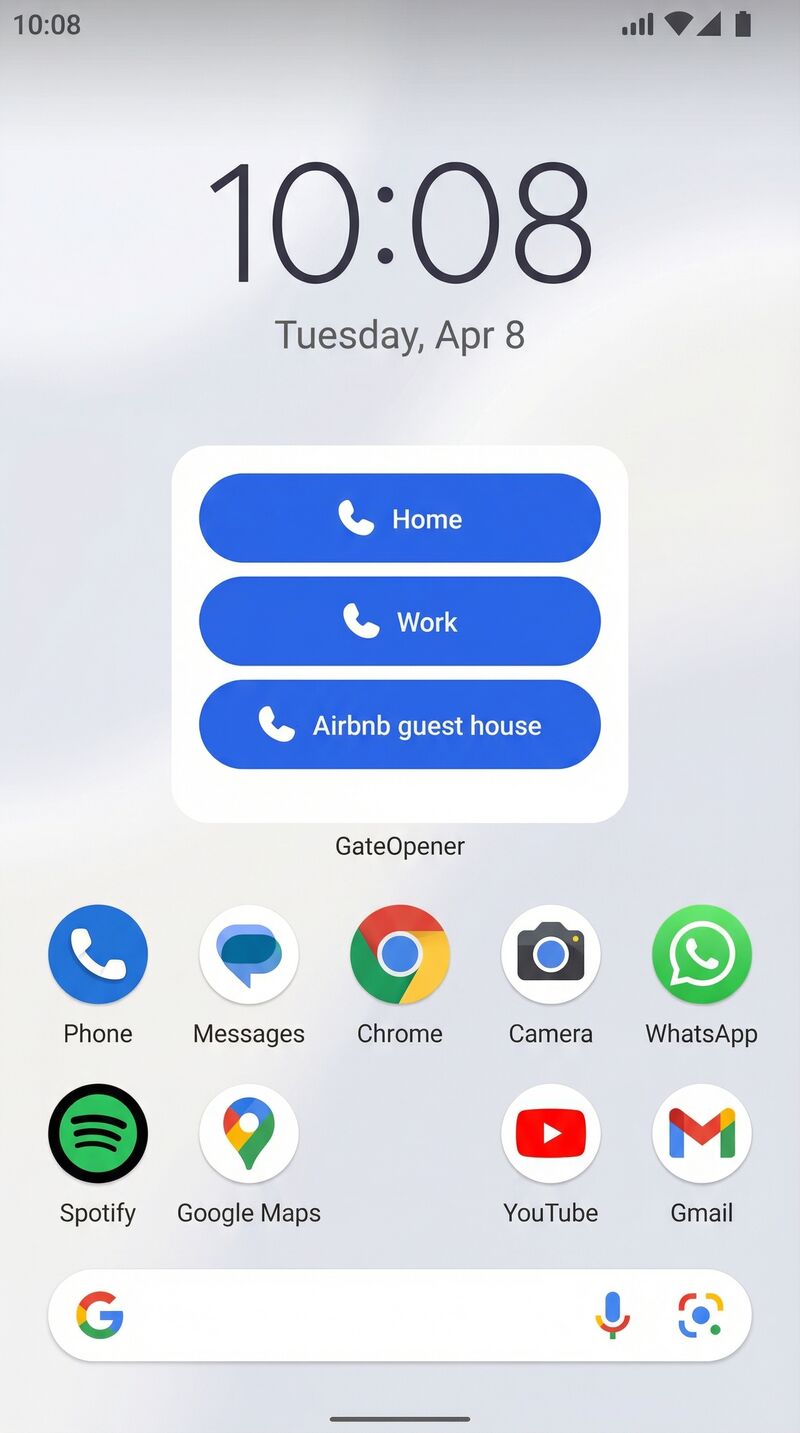
Open your gate without opening the app
Add a home screen widget. Tap it, your phone calls the module, the gate opens. Under two seconds, start to finish.
30+ compatible modules
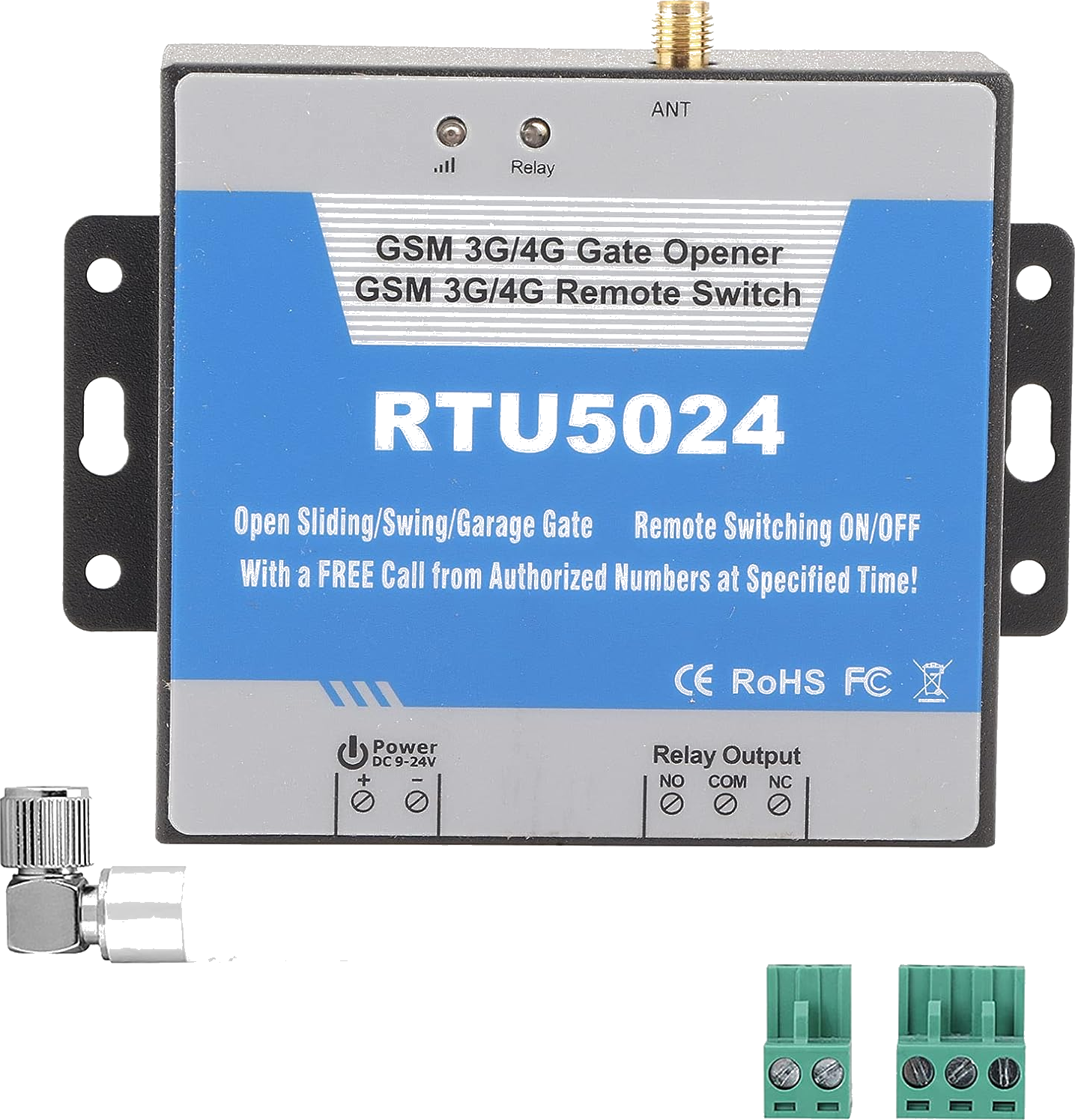
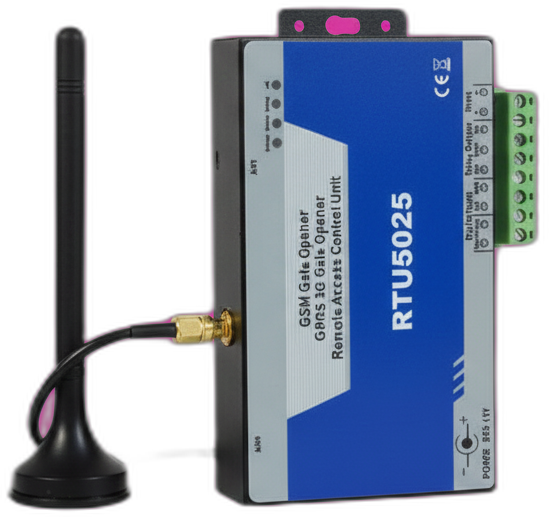
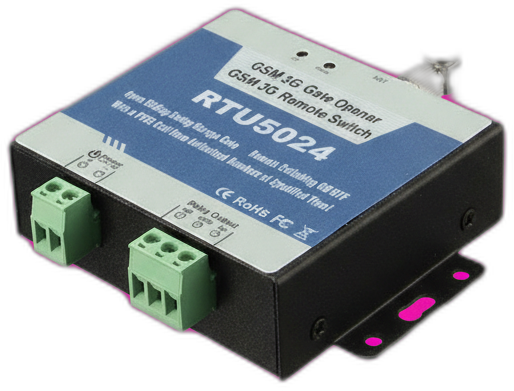
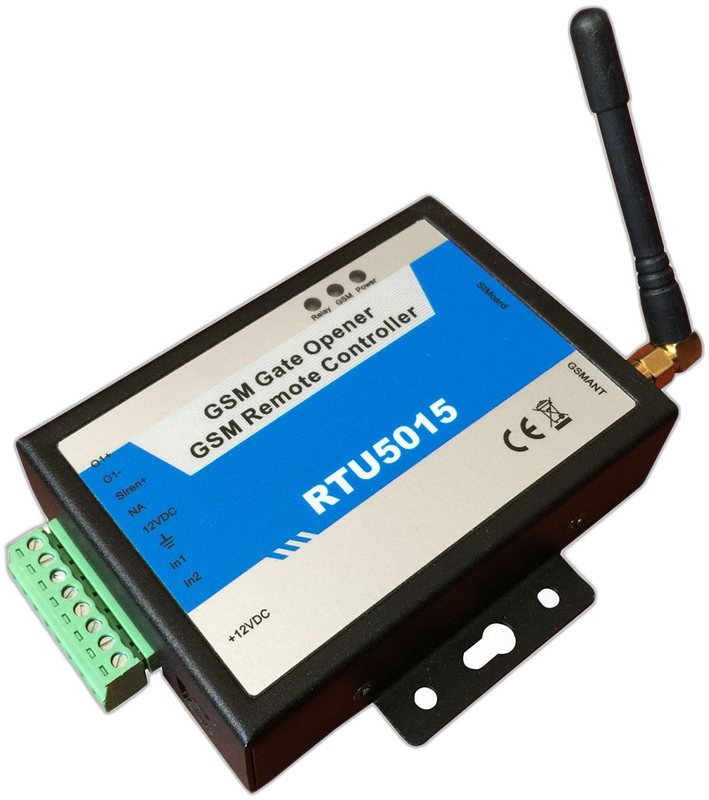
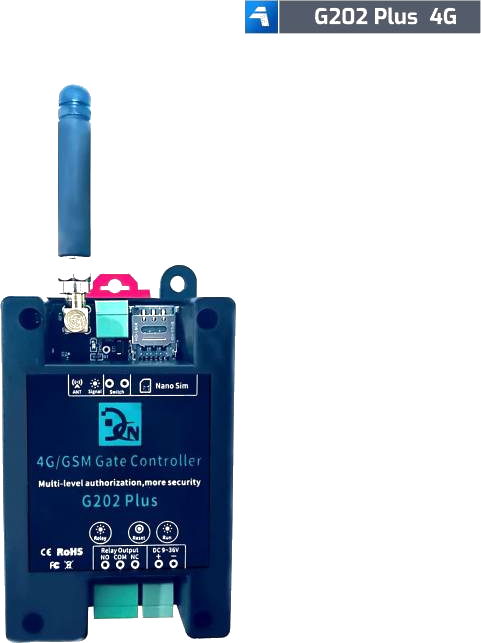
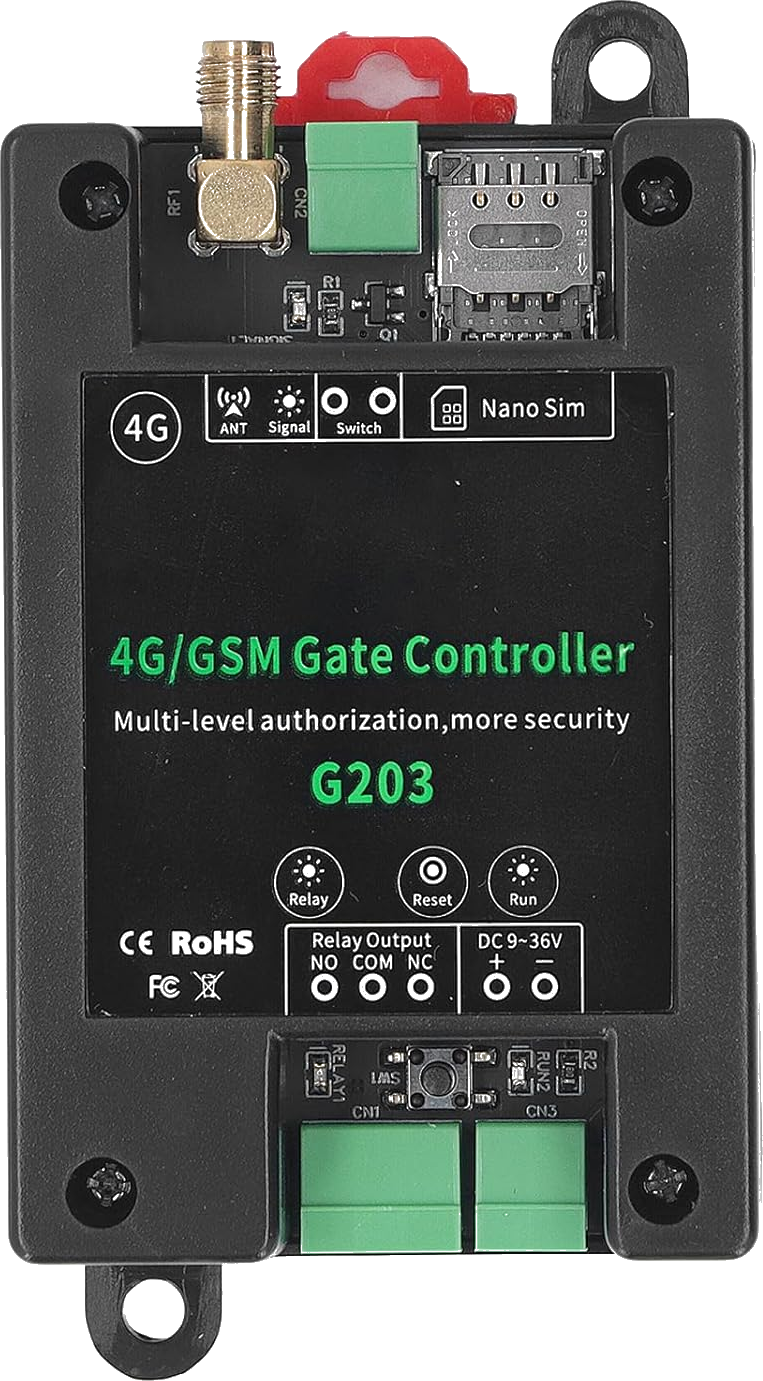
Works with the most popular GSM gate opener hardware. Find your module below or check the full list.
Is a GSM gate opener right for you?
It mostly comes down to one thing: how far your gate is from your router. Here's the honest version, including when you shouldn't buy this.
A GSM module is the right call when
- Your gate is out of Wi-Fi range — end of a long driveway, a field entrance, a shared parking barrier. Cell signal reaches where your router doesn't.
- Running a cable or trenching power to the gate costs more than the module itself.
- You want the gate to keep working when your home internet is down.
- The people who need access don't live with you — tenants, guests, staff, contractors. Any phone can open the gate. No app to install, no invite to accept.
A Wi-Fi module is probably the better buy when
- Your gate sits close enough to the house for a solid, reliable Wi-Fi signal.
- You want live status, a camera, geofencing, or integration with Home Assistant, Alexa, or Google Home.
- You'd rather not pay for a second SIM card and keep its credit topped up.
- You want room to grow. A GSM module gives you a relay and an SMS reply — that's the ceiling. Internet-connected hardware does more.
We'd rather you buy the right hardware than buy our app. If you already have a GSM module, GateOpener makes it painless. If you're still choosing and Wi-Fi reaches your gate, start there instead.
One price. Everything included.
No subscription. No account. No data collected.
- All features, all protocols
- All 16 languages
- Lifetime updates
- Unlimited gates
- No account required
- No data leaves your phone
Frequently asked questions
Which hardware modules are supported?
GateOpener currently supports:
- RTU5024 (including 4G variants)
- Callny G202 PLUS / G203
We're continuously adding more.